Feature demo · Citation payments · 0:59
Drivers pay online
See how drivers pay a Lotably ticket by QR code or by plate, with no app or account, how the money reaches your own Stripe account, and how you review contests.
In this video
Read the transcript
- 0:00Here's what happens after a Lotably ticket is issued.
- 0:04Every ticket has a QR code.
- 0:06The driver scans it and sees what they owe, when it's due, and when the fine goes up.
- 0:13They pay online in about thirty seconds, with no app and no account, and keep the receipt.
- 0:19Lost the ticket?
- 0:20They type their plate and pay everything owed on it, boot fee included, in one checkout.
- 0:26The money goes straight to your own Stripe account, and shows on your dashboard right away.
- 0:32Each payment is on the ticket's record, and a refund is just a click away.
- 0:36If a driver thinks a ticket is wrong, they contest it online, with their side of the story.
- 0:43You see their statement next to your officer's evidence, approve or deny, and Lotably emails them the decision.
- 0:51Start free and set up the same day.
- 0:53Or try the live demo yourself, at lotably.com.
Everything shown is the real Lotably app, with an invented sample company, Ferngate Parking.
Read more
The whole loop in one minute
Scan, ticket, pay, and the money in your account, then monthly parkers and daily parking.
Watch the one-minute demoMore demos and guides
 1:00
Enforcement
The officer app
Scan a plate, catch a pay-machine typo, ticket with a photo, warn first, and record boots and tows.
 0:56
Monthly parkers
Monthly parkers, handled
Client companies, rosters, billing by card, bank or invoice, the parker portal, and guest passes.
 0:58
Pay-to-park
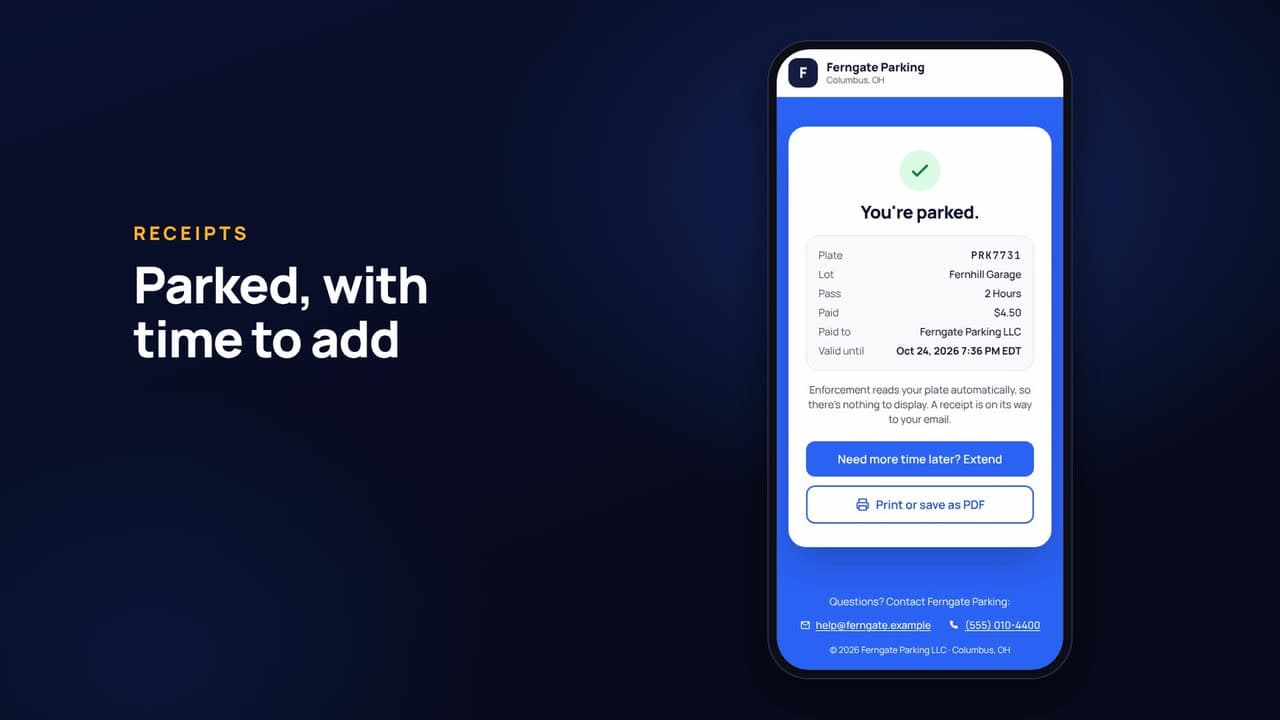
Sell parking with a QR code
Hourly, daily and overnight rates, a QR poster per lot, no-app checkout, event rates, and instant enforcement.
 0:55
Admin and reporting
Run it all from one console
The dashboard, plate history, your own fines, permissions, reports and exports, property reports, and the audit log.
 2:35
Pricing guide
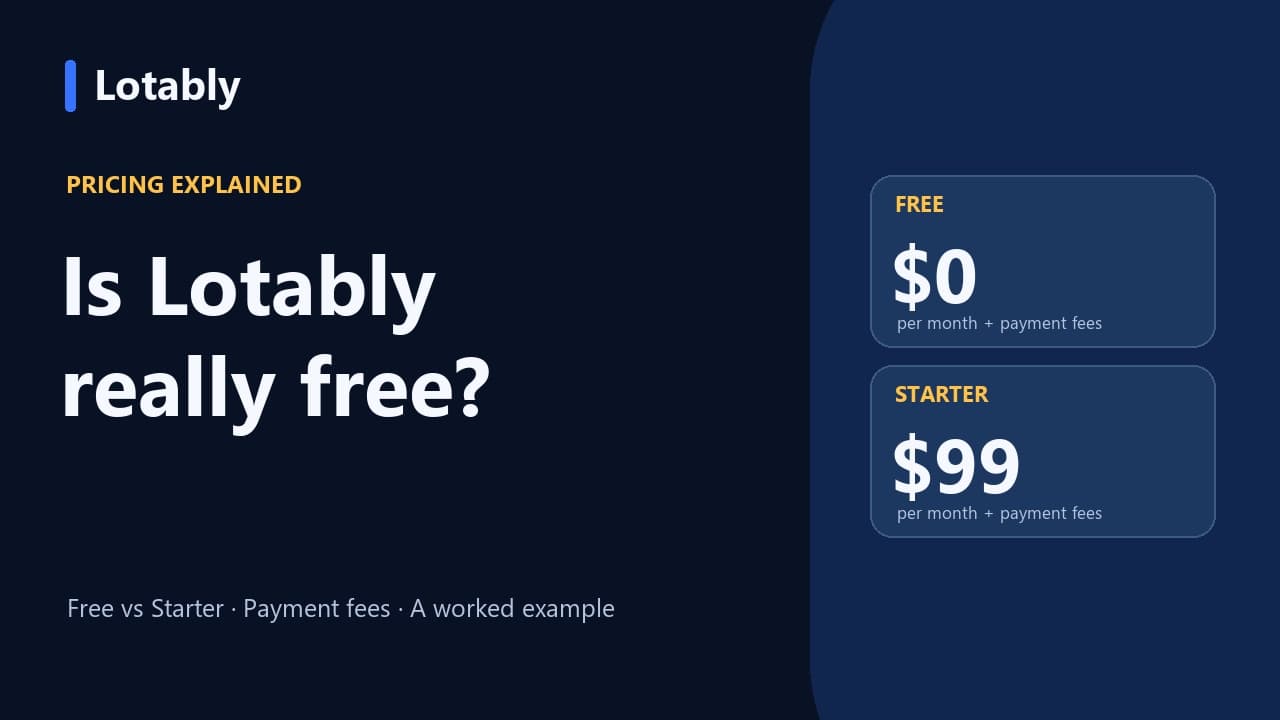
Is Lotably free?
Compare Free and Starter, daily parking fee caps, and a worked citation-payment example.
 3:22
Setup guide
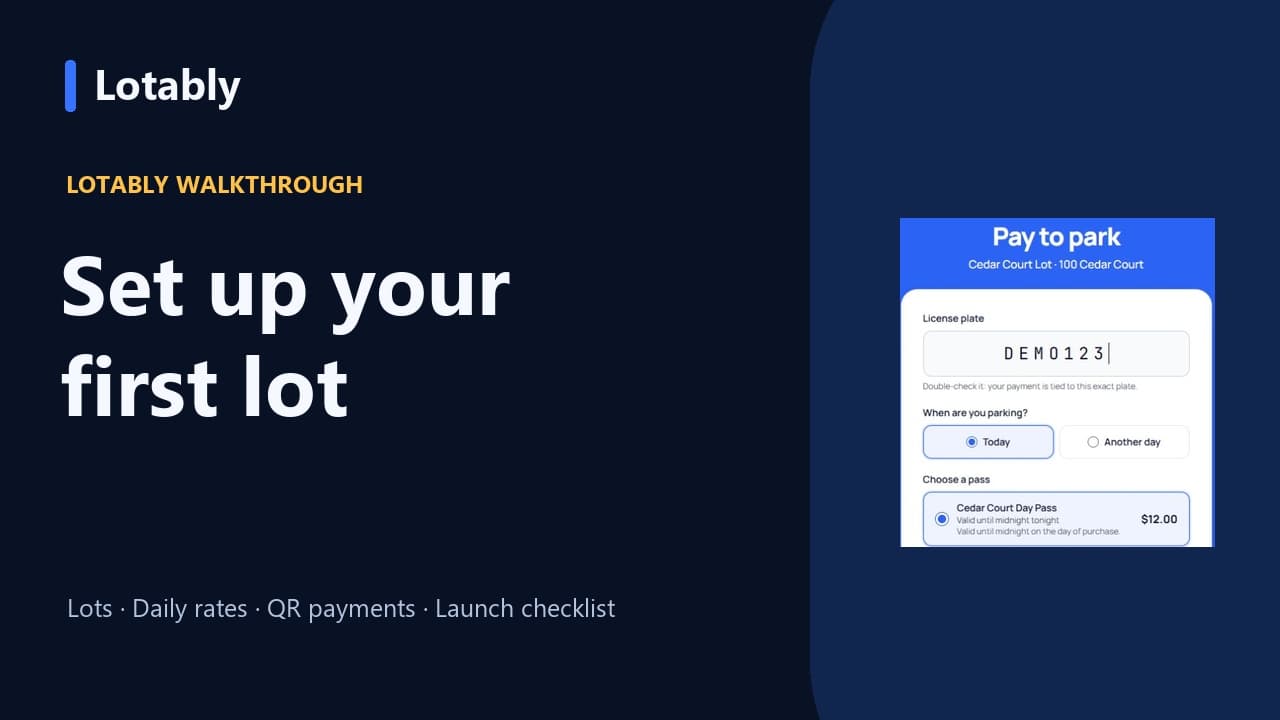
Set up your first parking lot in Lotably
Add a lot and daily rate, preview the QR checkout, and work through your launch checklist.